
AI Chaos and Productivity How to Choose Your Core Tool Stack (and Stop the FOMO)
- Haggai Philip Zagury (hagzag)
- Developer experience ( dev ex)
- August 20, 2025
Table of Contents
This post was originally published on Israeli Tech Radar.
TLDR; beyond the cost of conversations, this post is going to discuss the golden path and hopefully introduce the methodology of choosing the most fitted tool-set using a handful of tools which can help mold you A.I strategy. We’ve all heard of 10x developers and this post is aiming at building 10x teams which scale-well with A.I.
The year is 2025, and if you’re a developer, your workspace has been invaded. Not by malware, but by tools. We have entered the era of AI Chaos, where every week brings a new large language model (LLM), a powerful coding agent, or a “must-have” VS Code extension powered by some flavor of multimodal AI.
It feels a lot like navigating the VS Code Marketplace: overwhelming. You know the feeling — installing a new extension to solve a minor problem, only to discover it slows down your entire IDE and duplicates functionality you already had.
Now, multiply that feeling by a factor of ten. The temptation to sign up for every new AI service — be it a complex code generation agent, a specialized debugging tool, or the latest Cursor competitor — is the enemy of productivity. More tools, more subscriptions, more context switching, and ultimately, less shipping. The solution is not collection; it’s strategic restraint. This post will show you how to cut through the noise and build a high-impact, three-pillar AI stack, turning AI chaos into focused engineering output.
The Developer’s Dilemma: Diagnosing the “AI Chaos”
The current explosion of developer AI tools creates three critical performance bottlenecks:

(1) The Velocity Trap
AI tools like Copilot and its rivals are great at increasing code generation velocity. The problem? That velocity is often shifted, not eliminated.
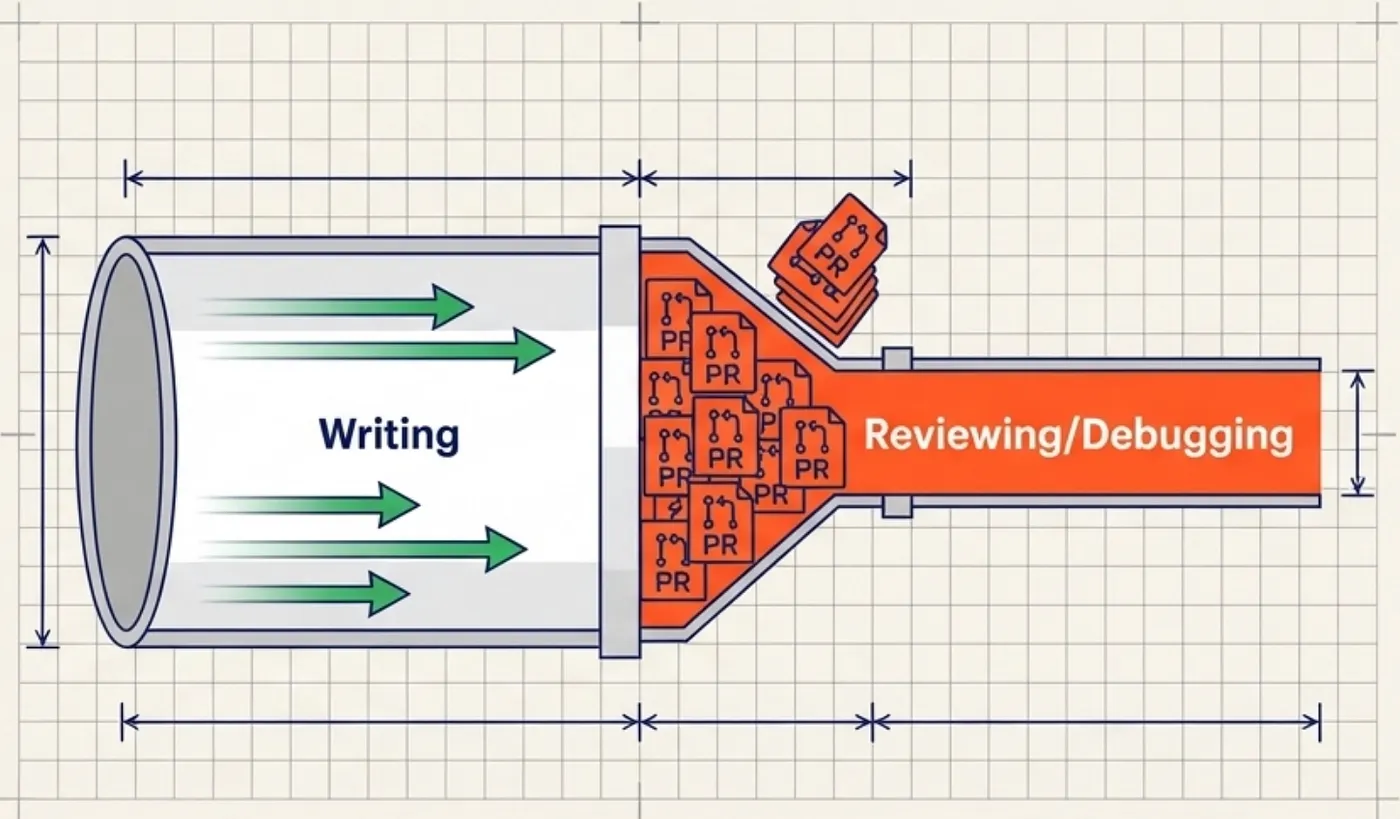
We’ve already understood we need to get the A.I to be short and stright to the point or we find ourselves reading / reviewing a ton of text / code / markdown.
The bottleneck moves from writing to reviewing and debugging. Your PR queue is now clogged with low-quality, AI-generated artifacts because the developer used a fast, context-poor tool that didn’t understand the whole project.
(2) Context Collision and Memory Exhaustion
Developers often run a complex setup: a local LLM for documentation, a cloud-based agent for project-wide edits, and an in-IDE completion tool.
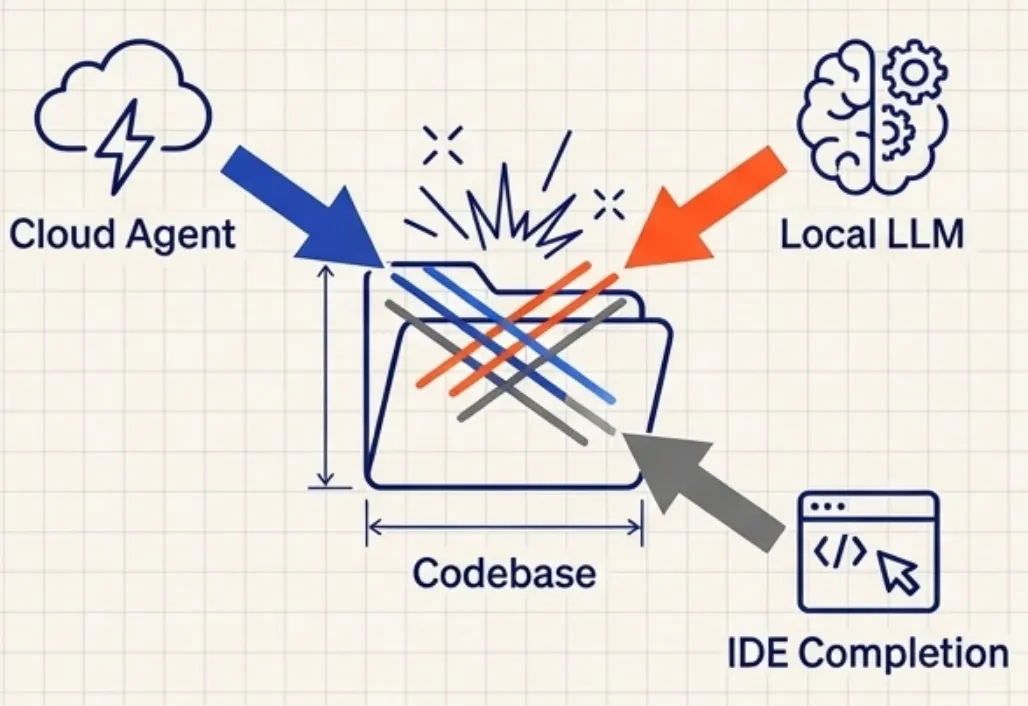
This creates Context Collision. You are paying for three services to analyze the same codebase, leading to duplicate work, memory exhaustion, and fragmented project understanding.
The tool you need to use are constantly fighting with the one that is slowing down your system. With no strategic planning you will find multipule processes dealing with the same problem(s).
(3) The Feature Overlap Tax
Why pay for a specialized AI agent (like a Cursor chat function) and a generic foundational model (like Gemini Advanced) when 80% of the conversation-based code tasks they handle overlap?

You are paying a heavy tax in both money (subscription creep) and cognitive load (decision fatigue) for minimal incremental benefit.
You don’t have to take my world for it but Iv’e tried them all … Co-pilot, Cursor, Windsurf, Claude Code, Gemini, Kiro, Antigravity …
A Three-Pillar AI Stack for Engineers
The goal is to select 3–5 tools that minimize overlap and maximize specialized strength, covering the entire Dev workflow:
Research/Design -> Coding -> Debugging/Refactoring

Pillar 1: The Foundational Engine a.k.a. The “Mega-Context Brain”
🎯 This is your primary tool for complex, high-context, pre-coding tasks.
- Role: Architectural design, writing comprehensive Technical Design Documents (TDDs), researching complex third-party APIs, and generating robust, complex boilerplate/framework code.
- Selection Criteria: Context Window and Reasoning Power are non-negotiable. This tool must understand your entire codebase or a long, multi-file ticket without losing conversational history. You need the most powerful reasoning available.
- Examples to Consider: Claude 4.5 Sonnet, GPT-4o, Gemini-3 Advanced.
- Action: Pick ONE. This is where you invest heavily in advanced prompting and custom instructions, essentially training the model to think like your senior architect.
Pillar 2: The In-IDE Workhorse (The “Velocity Accelerator”)
🚀 This is your tool for the act of writing code.
- Role: Your high-speed, low-latency, inline companion for simple completions, function generation, and immediate file-level suggestions. It handles the 80% of repetitive, day-to-day coding tasks.
- Selection Criteria: Latency and Seamless Integration. It must be fast enough not to break flow and integrate perfectly into your existing environment (VS Code, JetBrains, etc.).
- Examples to Consider: GitHub Copilot (for ecosystem integration), Gemini Code Assist (great for Google Cloud users), Codeium (a strong, fast free option).
- Key Distinction: This tool is purely for implementation within the file you are actively working on. Its job is speed, not project-wide intelligence.
Pillar 3: The Project Agent (The “Repo Refactorer”)
🔗 This is your specialized tool for complex, multi-file changes across the repository.
- Role: Refactoring large modules, generating comprehensive test suites, project-wide dependency upgrades, and documentation updates that span multiple files. It handles the hardest 20% of engineering work.
- Selection Criteria: Codebase Awareness and Agentic Capabilities (the ability to plan, execute, and review multi-step changes across files without human intervention at every step).
- Examples to Consider: Cursor (a dedicated, AI-native IDE built for deep awareness), Windsurf or specialized agentic frameworks like Qudo.
- Action: Reserve this tool specifically for tasks where the complexity of change is non-linear. Do not use it for simple function suggestions.

The Action Plan: Escape the Chaos
- Audit and Map Your Workflow: Take a common task (e.g., “Implement a new authentication service”). Map it to your three pillars:
- Design/Spec ➡️ Pillar 1 the Foundational Engine
- Core Code Implementation ➡️ Pillar 2 the In-IDE Workhorse
- Test Generation/Refactor: ➡️ Pillar 3 the Project Agent
- The Subscription Culling: Immediately cancel or downgrade all redundant tools. If you have two different autocompleters, you are suffering from the Overlap Tax.
- Master the Tool: Commit to a 90-day challenge where you use only your chosen 3–5 tools. Spend the time you would have used evaluating new products on mastering advanced prompting and integration features within your core stack.
The best developers don’t use the most tools; they master the right tools. The only way to escape the AI Chaos and the Velocity Trap is to move from tool collector to AI Architect of your own focused, high-performance workflow.
➡️ Next Up: Embracing an Opinionated Workflow
Choosing a tool stack is the first step. The next is adopting a workflow methodology that enforces structure on the AI’s output.
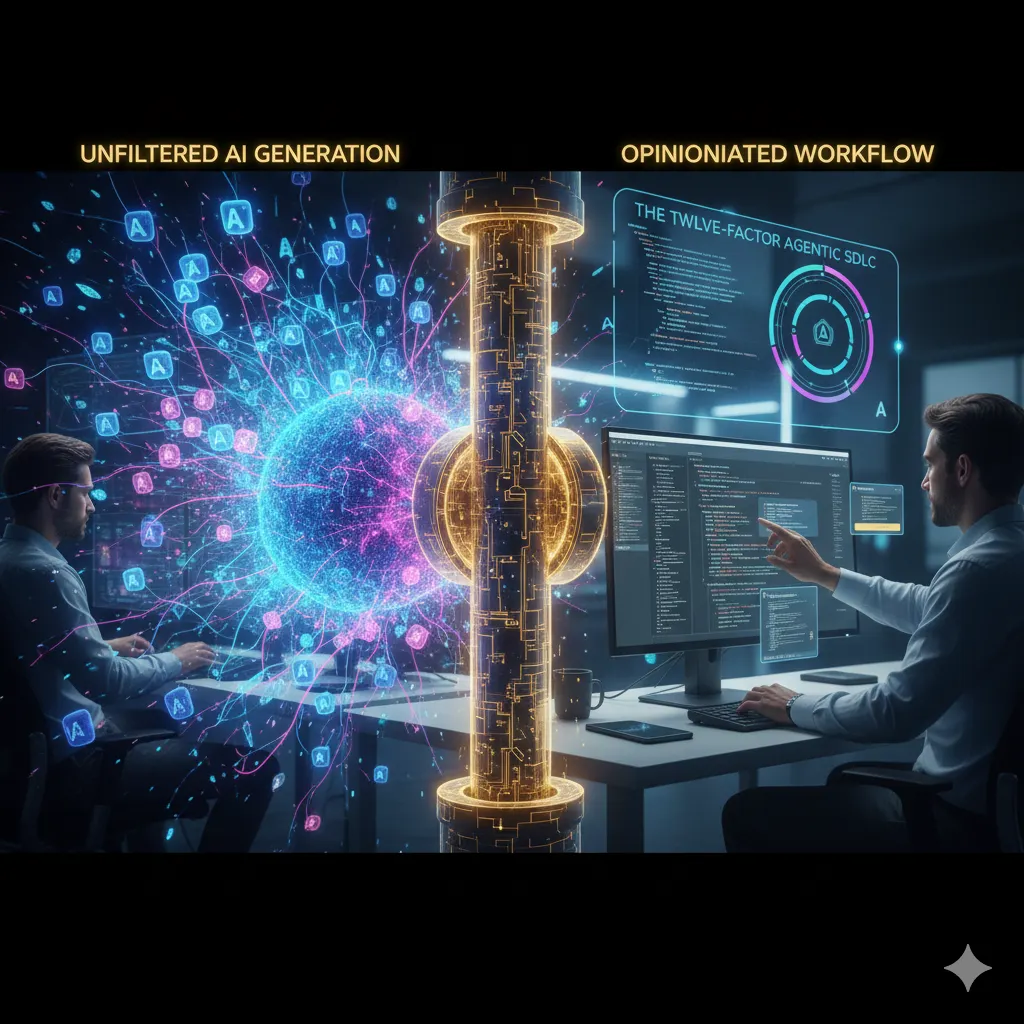
In my next post, we will argue that to achieve true, reliable scalability, developers must stop asking the AI, “What should I do?” and start telling it, “Here is the specification.” We will dive into the concept of Spec-Driven Development (SDD) and the tooling it requires, specifically examining:
- Spec-kit: The open-source toolkit and its command-line tool, specify-cli, which helps you actually do spec-driven development by turning natural language requirements into structured, executable plans.
- The Twelve-Factor Agentic SDLC: A structured methodology for building production AI systems and managing agentic workflows (like the Project Agent in Pillar 3), which helps you define how to choose and govern the right tools for your team.
Stay tuned, and let us know: What 3–5 tools make up your core AI coding stack right now, and what task does each one own?
Yours sincerely, HP


